







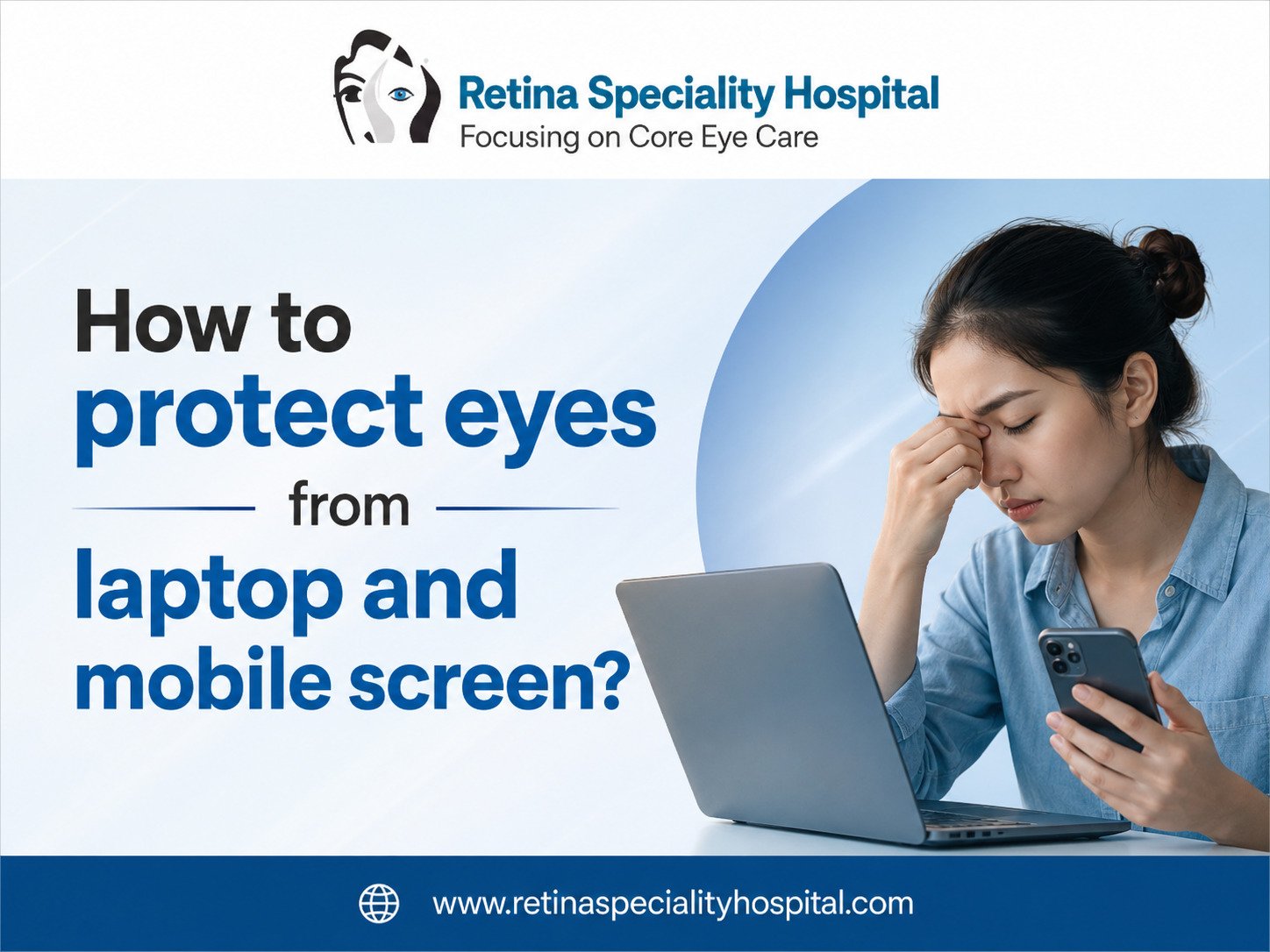
Digital screens have become a part of daily life for students, office workers, business owners, and children. Most people spend several hours every day using laptops, mobile phones, tablets, and computers. According to eye health experts, long screen exposure may increase symptoms like eye strain, dryness, blurred vision, and headaches. Many patients visiting an Eye specialist in Indore complain about discomfort caused by excessive screen time.
The growing use of smartphones and laptops has increased awareness about Digital eye strain and Computer vision syndrome. Understanding healthy screen habits and eye protection techniques can help reduce discomfort and support better long-term vision health. People searching for Eye Treatment in Indore, often want practical ways to protect their eyes while using screens daily.
This guide explains how screen exposure affects the eyes, prevention strategies, healthy viewing habits, and simple eye care tips for safer digital device use.
Understanding Digital Eye Strain and Screen-Related Eye Problems
Using screens for extended hours can place stress on the eyes. Many people blink less while focusing on digital devices, which may increase dryness and irritation.
Common screen-related symptoms include:
- Eye tiredness
- Headaches
- Neck discomfort
- Dry eyes from screen use
- Watering eyes
- Burning sensation
- Blurred vision from mobile screen
- Difficulty focusing
These symptoms are commonly linked with Computer vision syndrome and prolonged screen exposure.
Why Mobile and Laptop Screens Affect Eye Comfort
Digital screens emit bright light and require constant visual focus. Small text size, poor lighting, and close viewing distance can increase pressure on the eyes.
Factors that may worsen eye discomfort:
- Excessive screen brightness
- Long working hours
- Poor posture
- Reduced blinking
- Using devices in dark rooms
- Small font sizes
Patients often visit an Eye Doctor in Indore after noticing discomfort during work or study sessions.
Best Ways to Reduce Eye Strain From Computer Screens
Healthy viewing habits play a major role in protecting vision.
Follow the 20-20-20 Eye Break Rule
One of the most recommended screen habits is taking regular breaks.
The rule involves:
- Every 20 minutes
- Look 20 feet away
- For at least 20 seconds
This simple method helps reduce eye muscle fatigue and supports Eye fatigue prevention.
Maintain Proper Screen Distance
Keeping the screen too close increases strain on the eyes.
Recommended viewing habits:
- Keep screens at arm’s length
- Position screens slightly below eye level
- Avoid lying down while using devices
Good posture improves comfort and supports safer screen use.
Blink More Often During Screen Use
People blink less while concentrating on digital devices. Reduced blinking may lead to dry eyes from screen use.
Regular blinking helps:
- Keep eyes moist
- Reduce irritation
- Improve visual comfort
- Lower screen-related dryness
Simple awareness can make a noticeable difference.
How to Protect Eyes From Laptop and Mobile Screen Naturally
Healthy daily habits support long-term eye comfort.
Helpful screen protection habits include:
- Taking regular breaks
- Reducing unnecessary screen time
- Using proper lighting
- Maintaining healthy sleep routines
- Staying hydrated
People searching for How to protect eyes from laptop and mobile screens naturally often benefit from combining multiple protective habits together.
Eye Protection Tips for Students and Office Workers
Students and professionals are among the highest screen users today. Long online classes and office work may increase screen-related discomfort.
Helpful Eye protection tips include:
- Adjust screen brightness
- Increase text size
- Use anti-glare screens
- Sit in a comfortable position
- Avoid continuous scrolling for long periods
Routine eye examinations from an Eye hospital in Indore help monitor vision changes linked to excessive screen exposure.
Blue Light Eye Protection and Screen Awareness
Many digital devices emit blue light, which may contribute to visual discomfort during long usage sessions.
Ways to support Blue light eye protection:
- Reduce nighttime screen use
- Enable night mode settings
- Avoid extremely bright screens
- Maintain healthy sleep schedules
People often ask whether blue light glasses are useful. Eye comfort varies from person to person, but reducing screen strain remains important.
Common Screen Habits and Eye Protection Tips
| Screen Habit | Eye Effect | Helpful Prevention Tip |
| Long screen exposure | Eye fatigue | Take regular breaks |
| Reduced blinking | Dry eyes | Blink consciously |
| High brightness | Visual discomfort | Adjust brightness |
| Poor posture | Neck and eye strain | Sit properly |
| Dark room screen use | Eye stress | Improve room lighting |
| Small text size | Eye pressure | Increase font size |
Healthy Screen Habits for Better Eye Comfort
Good screen habits support daily productivity and reduce eye discomfort.
Important Healthy screen habits:
- Keep devices clean
- Avoid screens immediately before sleep
- Use proper room lighting
- Limit unnecessary mobile use
- Rest eyes regularly
These habits support safer Screen time eye care for both adults and children.
Eye Exercises for Screen Users
Simple eye movements may help relax eye muscles after long screen sessions.
Common Eye exercises for screen users:
- Looking at distant objects
- Slow blinking exercises
- Gentle eye movement changes
- Short focus-shifting exercises
These exercises may support visual relaxation during busy workdays.
Which Is More Harmful for Eyes: Mobile or PC?
Many people wonder whether mobile phones or computers affect the eyes more.
Mobile screens may increase strain because:
- Devices are held closer to the eyes
- Smaller text increases focus effort
- Longer scrolling habits reduce blinking
Laptop and desktop screens may also cause strain during prolonged work hours. The biggest issue is usually excessive continuous screen exposure rather than the device itself.
How Screen Time Affects Children’s Eyes
Children are spending more time on online learning, games, and digital entertainment.
Excessive screen use in children may contribute to:
- Eye fatigue
- Reduced outdoor activity
- Dry eyes
- Focus problems
- Sleep disturbance
Parents should encourage balanced screen use and regular outdoor breaks.
Tips to Prevent Eye Pain From Excessive Mobile Usage
Excessive mobile use is now one of the most common causes of eye discomfort in younger age groups.
Helpful prevention tips:
- Reduce unnecessary scrolling
- Avoid mobile use in darkness
- Increase text size
- Use voice features when possible
- Take short breaks every hour
Patients looking for tips to prevent eye pain from excessive mobile usage should also monitor screen habits during late-night usage.
How to Keep Eyes Healthy While Working on a Laptop All Day
Office professionals often spend eight to ten hours daily using computers.
Helpful workplace eye care strategies:
- Keep screens clean
- Position monitors correctly
- Avoid glare from windows
- Maintain proper sitting posture
- Follow regular break schedules
These strategies support long-term eye comfort and workplace productivity.
Do Blue Ray Glasses Work?
Many people use blue light or anti-glare glasses during screen use.
Possible benefits may include:
- Reduced screen glare
- Improved visual comfort
- Lower brightness sensitivity
- Better comfort during long work sessions
However, screen habits, lighting, and regular breaks remain equally important for protecting eye comfort.
Case Study: Office Employee Reduced Screen Eye Fatigue
A software employee working long hours on a laptop started experiencing headaches, burning eyes, and Blurred vision from mobile screen use at night. The symptoms worsened after continuous screen exposure without breaks.
After consulting an Eye specialist in Indore, the employee improved daily screen habits by adjusting monitor height, taking regular breaks, and reducing nighttime mobile use. Within a few weeks, eye discomfort reduced significantly, and work productivity improved.
This example highlights the importance of healthy digital screen habits and regular eye care awareness.
Frequently Asked Questions
1. How to protect eyes from mobile and computer screens?
Protecting eyes from screens involves taking regular breaks, blinking frequently, maintaining proper screen distance, and using balanced lighting. Reducing continuous screen exposure and following healthy viewing habits may help lower eye fatigue and improve comfort during daily laptop or mobile phone use.
2. Which is more harmful for eyes, mobile or PC?
Mobile phones may increase eye strain because they are usually held closer to the eyes and used for longer periods without breaks. However, excessive use of any digital device, including laptops and computers, may contribute to eye fatigue and visual discomfort over time.
3. What is the 10 10 10 rule for screens?
The 10 10 10 screen rule encourages users to take short visual breaks regularly. After every 10 minutes of screen use, look at something around 10 feet away for 10 seconds. This habit may help reduce eye strain and improve visual relaxation during screen activities.
4. Which glasses are best for computer and mobile use?
Many people prefer anti-glare or blue light filter glasses for computer and mobile usage. These glasses may improve visual comfort and reduce glare during long screen sessions. Choosing suitable eyewear depends on individual vision needs and professional eye examination recommendations.
5. Will my eyesight improve if I stop using my phone?
Reducing excessive mobile use may help lower eye strain, dryness, and headaches caused by continuous screen exposure. However, stopping phone use completely may not reverse existing vision conditions. Healthy screen habits and regular eye checkups are important for maintaining better visual comfort and eye health.
6. Can you reverse eye damage from screens?
Most screen-related discomfort involves temporary eye strain rather than permanent damage. Symptoms like dryness, headaches, and blurred vision may improve with better screen habits, regular breaks, and proper eye care. Persistent symptoms should always be evaluated by an eye care professional for safety.
7. How can I save my eyes from my mobile screen?
You can reduce mobile screen strain by lowering brightness, increasing text size, limiting continuous scrolling, and avoiding late-night screen exposure. Taking regular breaks and blinking frequently also support eye comfort and may help reduce digital eye strain caused by smartphone overuse.
8. Do blue ray glasses work?
Blue light glasses may help some people feel more comfortable during long screen sessions by reducing glare and brightness sensitivity. However, healthy screen habits, proper lighting, regular eye breaks, and balanced device usage remain the most important factors for long-term eye comfort and protection.
Conclusion
Digital devices are now an unavoidable part of modern life, but excessive screen exposure can place continuous stress on the eyes. Symptoms such as dryness, blurred vision, headaches, and eye fatigue are becoming increasingly common among students, professionals, and children. Awareness about Digital eye strain and proper screen habits is essential for maintaining long-term visual comfort.
Simple steps like taking regular breaks, blinking frequently, adjusting screen brightness, and maintaining proper posture can significantly improve eye comfort during laptop and mobile use. Balanced screen time and regular eye examinations also play an important role in protecting overall vision health.
People experiencing persistent discomfort, screen-related headaches, or visual strain should consider consulting an experienced Best Eye specialist in indore for proper evaluation and guidance. Trusted support from an Eye hospital in Indore can help patients maintain healthier screen habits and better long-term eye protection.